Github - Remove Webhook:
About:
This document describes how to remove the Webhook from a GitHub repository.
How to:
-
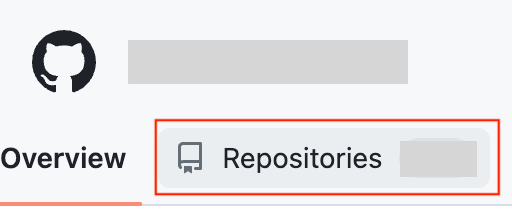
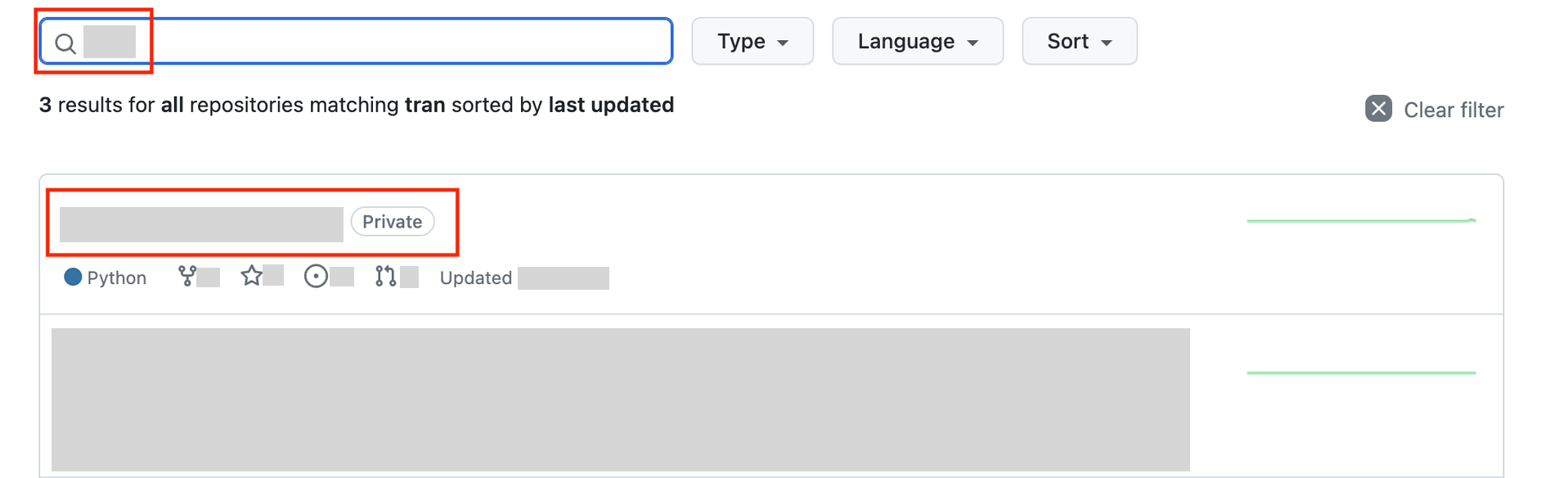
Go to GitHub and to the Company page. Look for the Repositories button and search for the wanted repository.
-
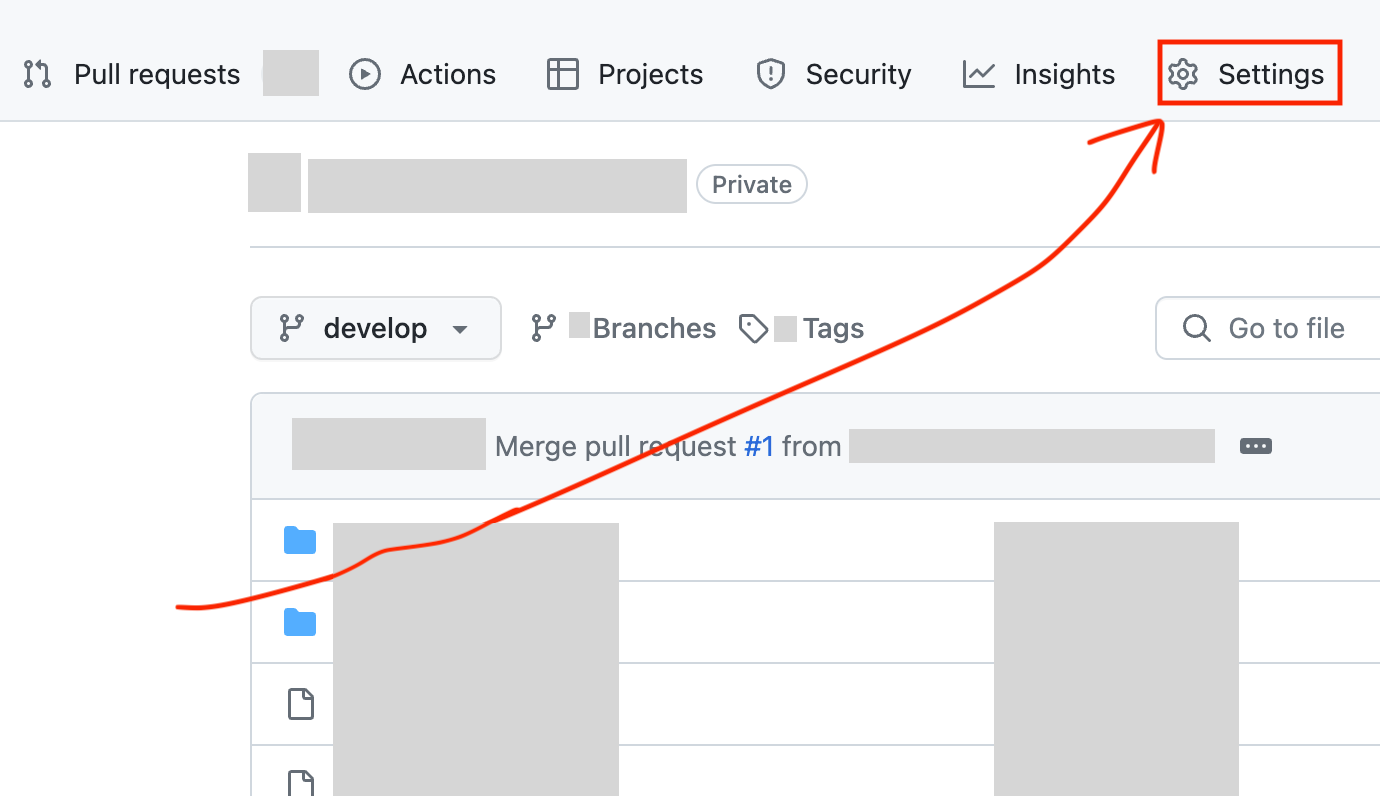
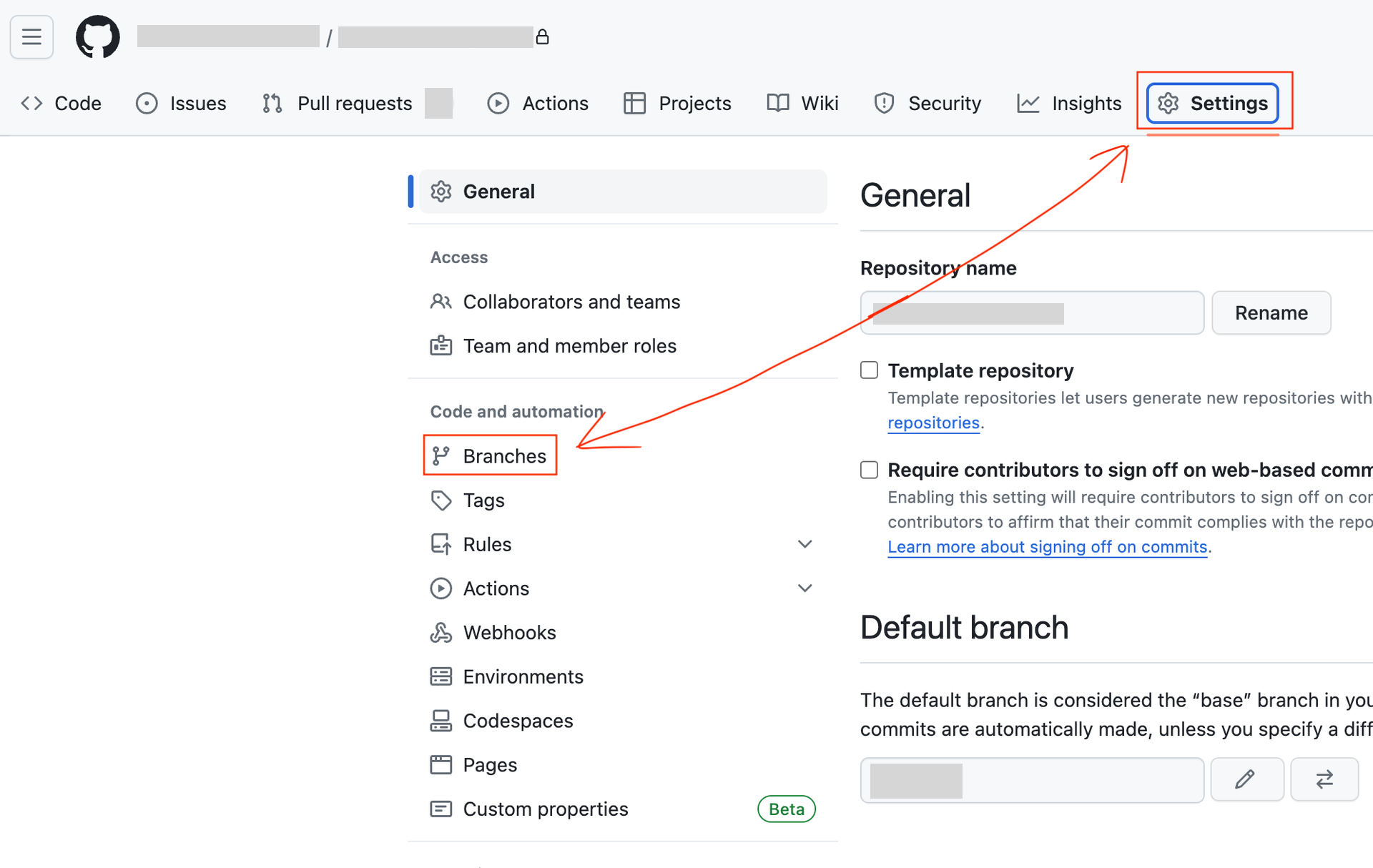
Click Settings to the top right. Then click the Branches button.
-
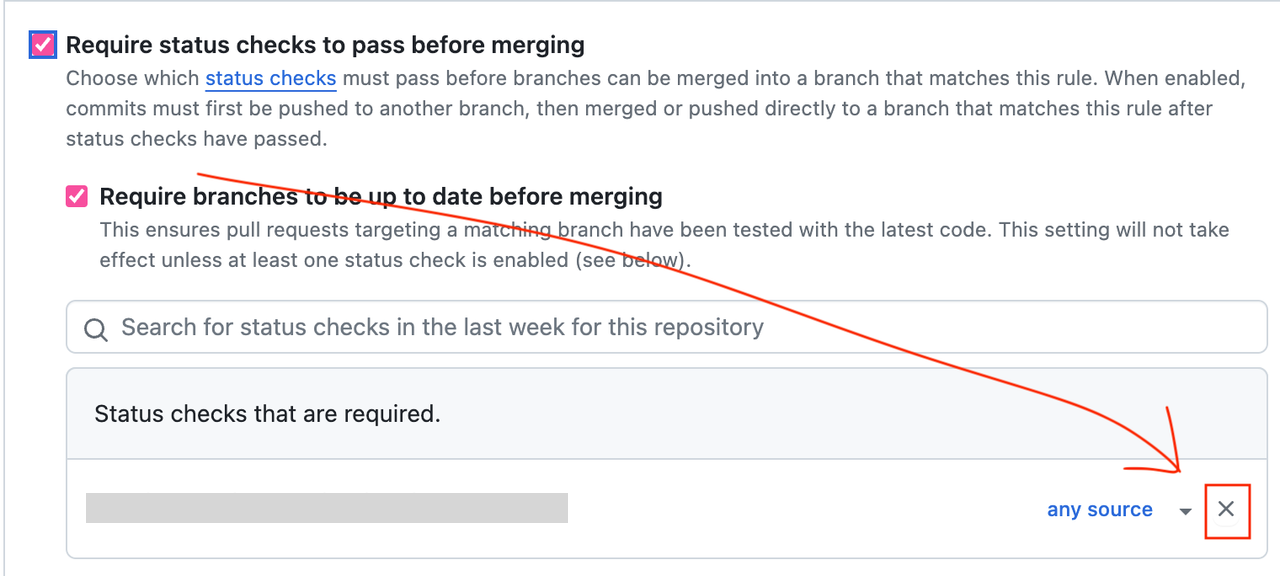
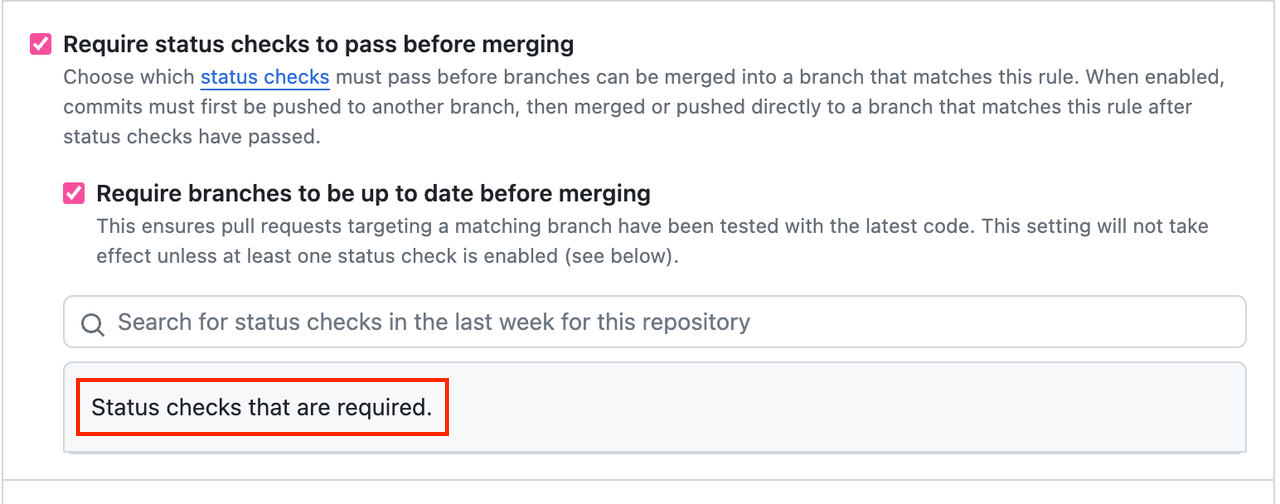
Scroll down to find Require status checks to pass before merging. Click the X button to remove the Webhook.
-
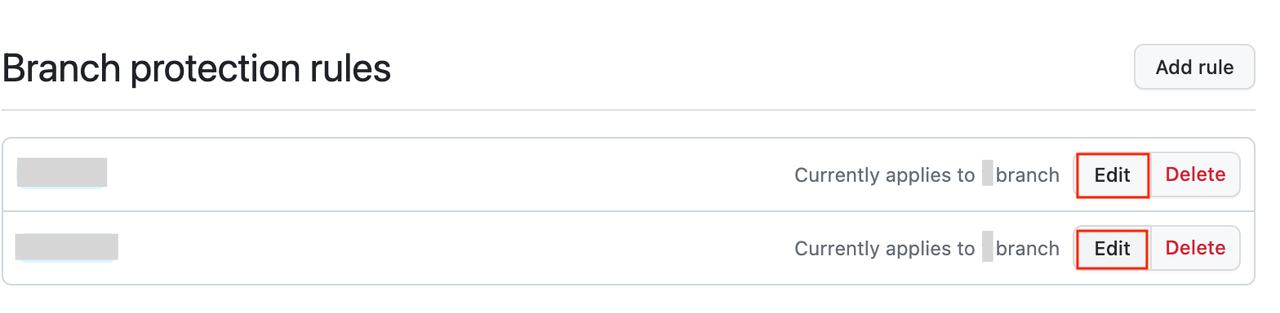
Remember to do this in both in every Branch.
And you are done. 😄